Learn how digital provenance evolved from research into a cornerstone of AI governance and enterprise trust. A decade ago, provenance was mostly a concern for art collectors and archivists. Today, it's becoming foundational infrastructure for organizations deploying AI at scale. The shift happened quietly, then suddenly—driven not by technology alone, but by a collision of regulatory pressure, reputational risk, and the uncomfortable realization that most organizations cannot answer basic questions about their AI systems. Digital provenance—the verifiable record of an asset's origin, transformations, and custody—has evolved from a niche technical capability into a governance requirement. The reasons are straightforward: AI systems are being deployed in consequential settings, regulators are demanding accountability, and the penalties for getting it wrong are no longer theoretical. Provenance is becoming one part of a larger operational trust question: ca...

Streamline estimates, scheduling, follow-ups, and project communication with repeatable systems.
If you're a contractor or freelancer, you know the frustration: you spend half your time doing actual client work and the other half juggling emails, status updates, invoicing, file management, and all the administrative tasks that come with running a one-person operation. The result? Burned-out contractors, delayed projects, and clients who don't get the attention they deserve.
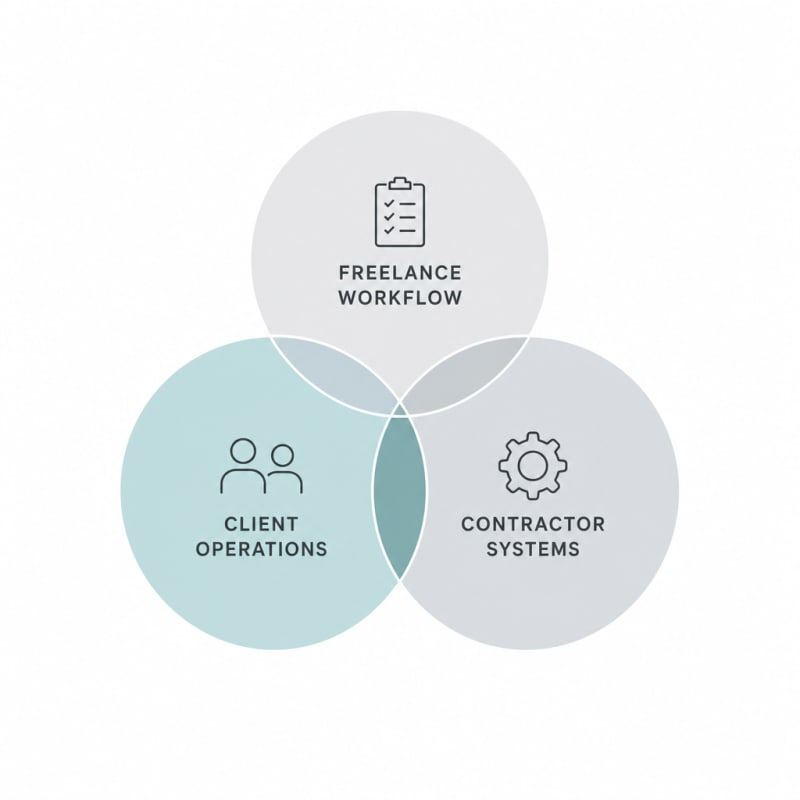
The good news is that AI and automation tools have matured to the point where even solo contractors can build professional-grade systems that handle the busywork while you focus on delivery. This isn't about replacing your expertise—it's about creating a freelance workflow that runs like a well-oiled machine, even when you're heads-down on project work.
Related: If your work depends on client delivery, handoffs, and repeatable execution, The Freelancer & Contractor Hub helps structure the process.
Why Your Current Client Operations Need a System Upgrade
Most contractors operate reactively. A client emails a question, you respond. Another client needs a status update, you write one from scratch. Someone asks for an invoice, you scramble to remember what hours you logged last week. This approach works when you have one or two clients, but it falls apart as you scale.
The hidden cost of manual client operations isn't just time—it's consistency. Without systems, every client gets a slightly different experience. Some get faster responses. Others fall through the cracks. Your service delivery quality becomes dependent on how busy you are that particular week.
Building repeatable contractor systems solves this problem. When you automate the predictable parts of your workflow, you create a consistent experience for every client while freeing up mental energy for the work that actually requires your expertise.
Map Your Service Delivery Process Before You Automate
Before you start plugging in AI tools, you need to understand what you're actually automating. Grab a notepad and map out your typical client journey from first contact to project completion:
- How do inquiries come in?
- What happens during onboarding?
- How do you collect project requirements?
- What does your typical communication cadence look like?
- How do you handle revisions and feedback?
- What's your invoicing and payment process?
- How do you offboard clients and collect testimonials?
Every repetitive task in this journey is a candidate for automation. Every decision point where you apply judgment is where you need to stay hands-on. The goal is to identify which is which.
Automate Client Onboarding and Information Gathering
First impressions matter, and a smooth onboarding experience tells clients they're working with a professional. Instead of manually sending welcome emails, contracts, and intake forms, set up an automated sequence.
Tools like Dubsado, HoneyBook, or even Airtable with Zapier can automatically send a welcome packet when someone signs your contract. Include your contract, an intake questionnaire, access to your project management system, and clear next steps.
AI-powered form builders can adapt questions based on previous answers, making your intake forms more efficient. If a client says they need brand design, the form can automatically ask about existing brand guidelines. If they say it's a new business, it can skip that question and ask about their target audience instead.
Example Onboarding Automation Flow
- Client signs proposal in your contract tool
- System automatically sends welcome email with next steps
- Client receives intake form tailored to their project type
- Responses populate your project management tool
- Calendar link for kickoff call is automatically sent
- Reminder emails sent 24 hours before the call
This entire sequence happens without you lifting a finger, and your client experiences a polished, professional onboarding process every single time.
Use AI to Handle Routine Communication
Communication is essential but doesn't always require your direct involvement. AI assistants and smart automation can handle many routine touchpoints in your service delivery process.
Set up automated status updates that pull information from your project management system and send clients weekly progress reports. Use AI writing tools to draft these updates based on task completion data, then review and send them with one click instead of writing from scratch.
Tools like TextExpander or AI-powered email assistants can help you respond to common client questions faster. Create templates for frequently asked questions, but use AI to personalize each response based on the client's specific context.
For actual project collaboration, use asynchronous communication tools like Loom for video updates. Record a 2-minute walkthrough of your progress instead of scheduling a 30-minute call. Many contractors report that this approach actually improves client satisfaction because clients can watch updates on their own schedule and rewatch if needed.
Streamline Project Management and Task Tracking
Your project management system should work for you, not create more overhead. The key is to build a template-based approach where each new project starts with a proven structure.
Create project templates in tools like ClickUp, Notion, or Asana that include every standard task for your typical engagements. When a new client project starts, duplicate the template and let automation handle the rest:
- Tasks automatically assigned with due dates based on project timeline
- Client receives access with appropriate permissions
- Dependencies set up so tasks unlock as previous ones complete
- Notifications sent at key milestones
AI project management tools can now predict potential delays based on your work patterns and suggest timeline adjustments before you miss deadlines. Some can even analyze which types of tasks consistently take longer than estimated and adjust future project templates accordingly.
Automate Financial Operations and Invoicing
Few things hurt your freelance workflow more than inconsistent invoicing. When you're busy with client work, it's easy to delay sending invoices, which delays payment, which creates cash flow problems.
Set up automated invoicing that triggers based on milestones or time periods. If you bill monthly, your system should generate and send invoices automatically on the first of each month. If you bill per milestone, integrate your invoicing tool with your project management system so invoices go out when you mark milestones complete.
Modern invoicing platforms like QuickBooks, FreshBooks, or Wave can send automated payment reminders, accept multiple payment methods, and even offer payment plans for larger projects. Some include AI features that predict which clients are likely to pay late based on payment history and can adjust reminder timing accordingly.
Link your invoicing to your accounting software so income is automatically categorized for tax time. Connect your business bank account and credit card so expenses are tracked without manual entry. What used to take hours at tax season becomes a matter of generating a report.
Build a Knowledge Base for Recurring Questions
You probably answer the same client questions repeatedly: "What format should I send files in?" "When will I see the next draft?" "How do revisions work?" Instead of answering these individually, build a client knowledge base.
Use tools like Notion, Coda, or even a simple Google Doc to create a client resource library. Include your processes, FAQ, file requirements, communication guidelines, and revision policies. Send this to clients during onboarding and reference it when questions come up.
Advanced contractors are now using AI chatbots trained on their knowledge base to answer client questions automatically. Tools like Intercom or Drift can handle basic inquiries 24/7, only escalating to you when the question requires your expertise.
Implement Smart File Management and Delivery
File chaos is real. Without systems, you end up with "final_draft_v3_ACTUAL_FINAL_revised.pdf" scattered across email, Slack, and three different drives. Your contractor systems need to include structured file management.
Create a consistent folder structure for every project. Use cloud storage with automation that sorts files into the right folders based on naming conventions or file type. When you complete a project, use automation to package all deliverables, generate a transfer link, and send it to the client with a professional delivery email.
AI-powered asset management tools can now automatically tag files, making them searchable later. Upload a logo design, and the system tags it with the client name, project type, date, and even visual attributes like color scheme. Six months later when that client comes back, you can instantly find all related assets.
Create Automated Feedback and Revision Loops
Revisions often create workflow bottlenecks. Clients send feedback via email, Slack, text, and carrier pigeon. You have to consolidate everything, make changes, and then follow up to see if they're happy with the revision.
Use purpose-built review tools like Filestage, GoVisually, or Markup.io that centralize feedback in one place. These tools can automatically notify you when feedback arrives, track which comments you've addressed, and request client approval when revisions are complete.
Set up automated revision limits. After the contracted number of revisions, your system can automatically generate a change order for additional work. This prevents scope creep while keeping the client relationship professional.
Measure and Optimize Your Service Delivery
Once your systems are running, you need data to improve them. Track metrics that matter for your service delivery process:
- Time from inquiry to signed contract
- Average project completion time vs. estimated timeline
- Number of revision rounds per project type
- Time spent on admin tasks vs. billable work
- Client satisfaction scores
- Invoice-to-payment time
Many project management and time tracking tools now include AI analytics that identify patterns. You might discover that design projects from a certain industry always require extra revisions, or that you consistently underestimate one type of task. Use this data to refine your processes and pricing.
Start Small and Build Systematically
You don't need to automate everything at once. In fact, trying to do so usually backfires because you end up with complex systems you don't actually use.
Start with your biggest pain point. If you hate invoicing, automate that first. If client communication takes too much time, build templates and automation there. Get one system working smoothly, then move to the next.
A practical implementation order for most contractors:
- Automated invoicing and payment reminders
- Client onboarding sequence
- Project management templates
- Status update automation
- File management and delivery
- Knowledge base and self-service resources
Each step builds on the previous one, creating a complete system over time without overwhelming you in the process.
Conclusion: Systems Enable Growth Without Burnout
The difference between contractors who scale successfully and those who stay stuck at capacity isn't talent or hustle—it's systems. When you build automated workflows that handle the predictable parts of client operations, you create space for the work that actually requires your expertise.
AI and automation tools have reached the point where solo contractors can operate with the polish and efficiency of much larger agencies. You don't need a team to deliver a professional experience. You need smart systems that leverage technology to handle routine work while you focus on delivery.
SNAPSE
Run Client Work More Smoothly
Use structured systems for delivery, handoff, and repeatable execution.
Explore Freelancer & Contractor HubSynthetic Proof
Verified — Editorial Layer
This content has passed editorial verification for clarity, accuracy, and trust alignment.
Editor-in-Chief: Kevin Marsh
Verification Status: PASSED
Verification Status: PASSED
Comments
Post a Comment