Learn how digital provenance evolved from research into a cornerstone of AI governance and enterprise trust. A decade ago, provenance was mostly a concern for art collectors and archivists. Today, it's becoming foundational infrastructure for organizations deploying AI at scale. The shift happened quietly, then suddenly—driven not by technology alone, but by a collision of regulatory pressure, reputational risk, and the uncomfortable realization that most organizations cannot answer basic questions about their AI systems. Digital provenance—the verifiable record of an asset's origin, transformations, and custody—has evolved from a niche technical capability into a governance requirement. The reasons are straightforward: AI systems are being deployed in consequential settings, regulators are demanding accountability, and the penalties for getting it wrong are no longer theoretical. Provenance is becoming one part of a larger operational trust question: ca...
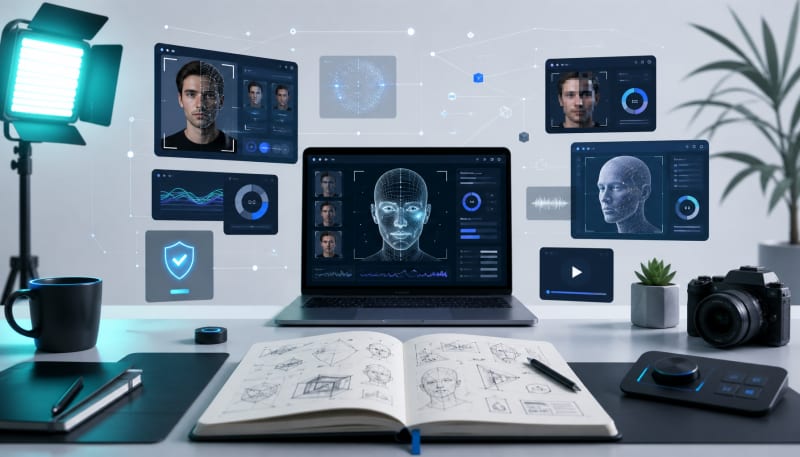
The best software for inspecting manipulated video content frame by frame.
Deepfakes are no longer just a curiosity—they're a real threat to content creators, brands, and audiences. As synthetic media becomes more sophisticated, social media creators need reliable tools to verify content authenticity and protect their reputation. Whether you're managing a brand account, creating educational content, or simply want to ensure your platform stays credible, having access to deepfake detection software is essential in 2026.
This guide covers the most effective video editors and AI tools for identifying manipulated content, along with practical insights for creators navigating this increasingly complex digital landscape.
Related: If you need a better system for planning, organizing, and developing content ideas, Content Ideation Hub gives you a repeatable structure.
Why Deepfake Detection Matters for Social Media Creators
Content creators face unique challenges when it comes to deepfakes. A manipulated video featuring your likeness could damage your brand overnight. Worse, accidentally sharing deepfake content can erode audience trust and harm your credibility. The best ai tools 2026 has to offer combine detection capabilities with editing features, giving creators both defensive and creative options.
Beyond personal protection, creators who can verify content authenticity have a competitive advantage. Your audience values transparency, and demonstrating that you verify sources before sharing builds lasting trust.
Professional Detection Tools for Content Verification
Sensity AI
Sensity offers enterprise-grade deepfake detection that's accessible to serious creators. Their platform analyzes facial movements, lighting inconsistencies, and audio-visual synchronization to flag synthetic content. The tool provides confidence scores and detailed reports, making it easy to explain findings to your audience or stakeholders.
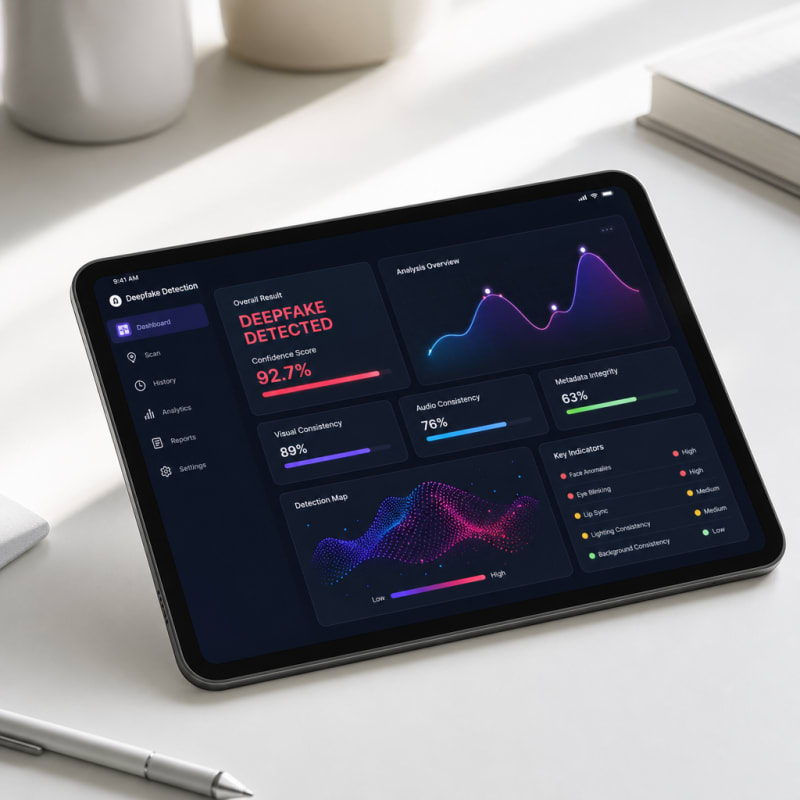
Sensity works particularly well for creators who need to verify user-generated content before featuring it on their channels. The API integration allows automated screening of submissions.
Reality Defender
Reality Defender specializes in real-time deepfake detection across multiple media types. The platform integrates with existing workflows, making it practical for creators who process high volumes of content. Their detection algorithms analyze over 100 different signals to identify manipulation.
What sets Reality Defender apart is its focus on usability. The dashboard is straightforward, and results are presented in plain language rather than technical jargon—perfect for creators without a computer science background.
Microsoft Video Authenticator
Microsoft's Video Authenticator analyzes photos and videos to provide a manipulation probability score. The tool examines the blending boundary of deepfakes and subtle elements that aren't visible to the human eye. While initially developed for election security, it's become valuable for ai tools content creation workflows.
The tool works frame-by-frame, showing you exactly where manipulation might have occurred. This granular approach helps creators understand not just whether content is fake, but how it was manipulated.
Video Editing Software with Built-In Detection Features
Adobe Premiere Pro with Content Credentials
Adobe has integrated Content Credentials into Premiere Pro, allowing creators to embed authentication data directly into their videos. While not a traditional detection tool, this feature helps you prove your content is genuine. The system creates a tamper-evident record of edits and original sources.
For creators concerned about their own content being misrepresented, this is invaluable. The credentials travel with your video across platforms, providing a verification trail.
DaVinci Resolve with Forensic Analysis Tools
DaVinci Resolve has added forensic analysis capabilities that help identify compression artifacts and manipulation markers. The software's advanced color grading tools also make it easier to spot inconsistencies in lighting and color that often indicate deepfakes.
Creators who already use DaVinci Resolve for editing can leverage these built-in features without adding separate detection software to their workflow.
AI-Powered Analysis Platforms for Creators
Deepware Scanner
Deepware Scanner is a free tool designed specifically for quick verification. Upload a video, and the scanner analyzes it using multiple neural networks to detect deepfake signatures. Results typically arrive within minutes.
This tool works well for creators who need fast verification before sharing time-sensitive content. The free tier handles most creator needs, though paid options offer faster processing and batch analysis.
WeVerify
WeVerify combines deepfake detection with broader content verification tools. The platform checks metadata, reverse searches images, and analyzes manipulation indicators across video and audio. It's particularly useful for investigative creators and journalists.
The plugin-based approach means you can integrate WeVerify into your browser, checking content as you browse without disrupting your workflow.
Intel FakeCatcher
Intel's FakeCatcher uses a unique approach—analyzing blood flow in video pixels to detect real humans. The technology looks for authentic physiological signals that deepfakes struggle to replicate. With claimed accuracy rates above 96%, it's among the most reliable detection methods available.
The tool processes videos in real-time, making it suitable for live content verification. This is especially relevant for creators who monitor live streams or need immediate results.
Practical Implementation for Your Content Workflow
Effective deepfake detection isn't about using every available tool—it's about integrating the right ones into your existing process. Start by identifying your primary vulnerability: Are you more concerned about verifying user submissions or protecting your own content?
For creators focused on verification, establish a screening protocol. Videos from unknown sources should pass through detection software before you engage with them publicly. Tools like Deepware Scanner or Reality Defender can become standard checkpoints in your content pipeline.
If protecting your original content is the priority, embed authentication credentials using Adobe's Content Credentials or similar systems. Pair this with public statements about your verification practices to educate your audience.
Building Audience Trust Through Transparency
Using detection tools is only half the equation. Communicating your verification practices to your audience completes the picture. When you explain why and how you verify content, you're not just protecting yourself—you're educating your community about digital literacy.
Consider creating behind-the-scenes content showing your verification process. This transparency reinforces your credibility and positions you as a responsible creator. As deepfakes become more common, audiences will increasingly value creators who take authentication seriously.
Staying Current with Best AI Tools 2026
Deepfake technology evolves rapidly, and detection tools must keep pace. The best ai tools 2026 offers represent current cutting-edge capabilities, but this landscape shifts quickly. Subscribe to updates from your chosen tools and stay informed about new detection methods.
Many platforms offer free tiers or trials—experiment with several before committing to paid subscriptions. Your needs will depend on content volume, audience size, and specific concerns about manipulation risks.
Conclusion
Deepfake detection is no longer optional for serious content creators. The tools and video editors covered here provide practical options for verifying content authenticity and protecting your creative work. From quick-scan solutions like Deepware Scanner to comprehensive platforms like Reality Defender, creators have access to professional-grade verification technology.
The key is integration—make detection part of your standard workflow rather than an afterthought. Combined with transparent communication about your verification practices, these ai tools content creation platforms help you maintain credibility in an era where trust is increasingly valuable. As synthetic media continues advancing, creators who prioritize authenticity will stand out from the crowd.
The Practical Solution
Start by integrating one detection tool into your content verification process before publishing anything suspect or user-submitted. Choose based on your volume—Reality Defender for high throughput, Microsoft Video Authenticator for detailed frame analysis, or Adobe's Content Credentials to protect your own work. The goal isn't catching every deepfake, but building a verification habit that becomes second nature when something feels off.
— Kevin Marsh, Editor-in-Chief
Synthetic Proof
Verified — Editorial Layer
This content has passed editorial verification for clarity, accuracy, and trust alignment.
Editor-in-Chief: Kevin Marsh
Verification Status: PASSED
Verification Status: PASSED
Comments
Post a Comment